Custom fields
Define the fields available to add as other data on a dealer.
Define the fields that will be available in the “Other data” section of a dealer’s detail page, in Dealers.
Create a field
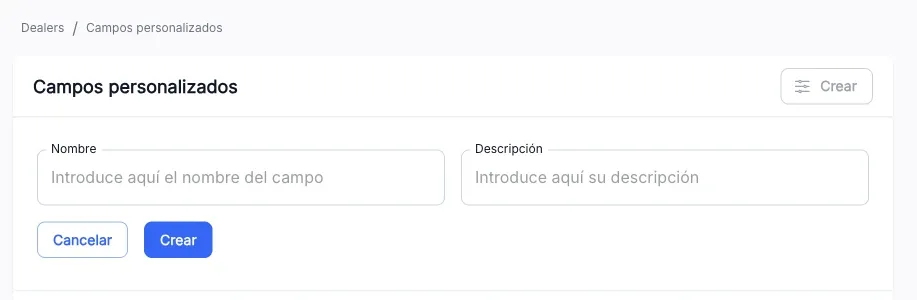
- Press Create. The form expands above the table.
- Fill in Name and Description.
- Press Create.
Edit a field
From a row’s ⋮ menu, Edit expands the same form with the field’s data to modify it.
Delete a field
From a row’s ⋮ menu, Delete asks for confirmation. Deleting a field also removes it from the dealers that had it as other data.
The screenshots show the Admin interface in Spanish.
When something is not as expected
| You see | What it means and what to do |
|---|---|
| Create is not available | You lack write permission on this section. |
Reference
List columns
| Column | What it is |
|---|---|
| Name | The field’s name. |
| Description | What the field represents. |